VS Code Extension - Running Ollama Locally to host Deepseek in VS Code
Enhance your coding experience with Visual Studio Code, the DeepSeek extension, and Ollama — a guide to installation, configuration, and usage for local AI-powered development.
Install Visual Studio Code
Download
Download the latest version of Visual Studio Code from the official website.
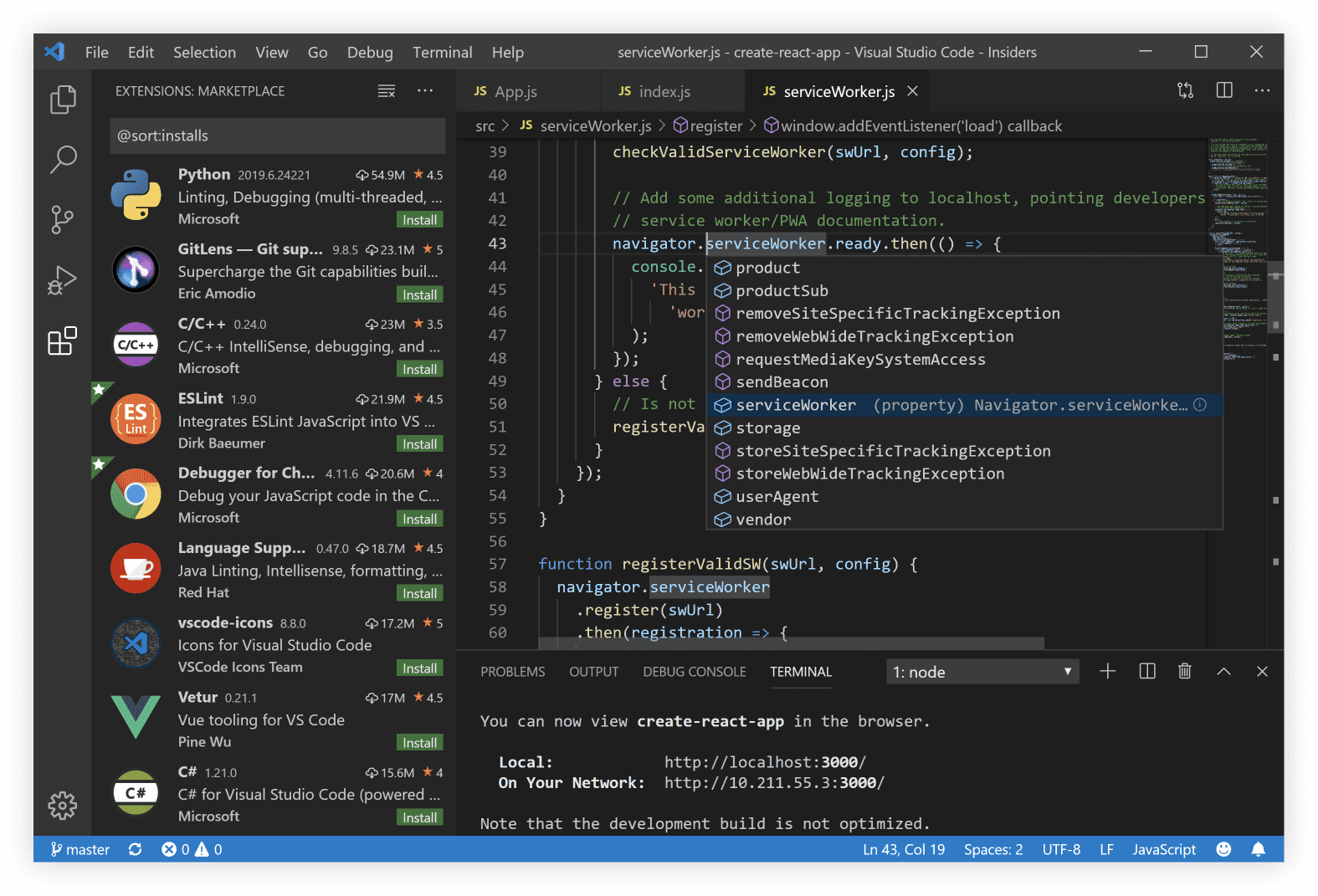
Version 1.67+ is recommended for full compatibility with the DeepSeek extension and Ollama integration.
Install DeepSeek Extension
The DeepSeek extension enables AI-powered code assistance directly in VS Code. It works seamlessly with Ollama for local model execution.
Installation Steps
- Open VS Code.
- Go to Extensions (
Ctrl+Shift+XorCmd+Shift+Xon macOS). - Search for
DeepSeek. - Click Install.
For more details:
DeepSeek Extension for VS Code
Install Ollama
Ollama allows you to run large language models locally, including DeepSeek-compatible models.
Download & Setup
Visit the official site to install Ollama:
Verify Installation
ollama --version
# Should output something like: ollama version 0.1.20